Receivables Management
Track and manage customer receivables, monitor outstanding payments, and improve cash collection efficiency.
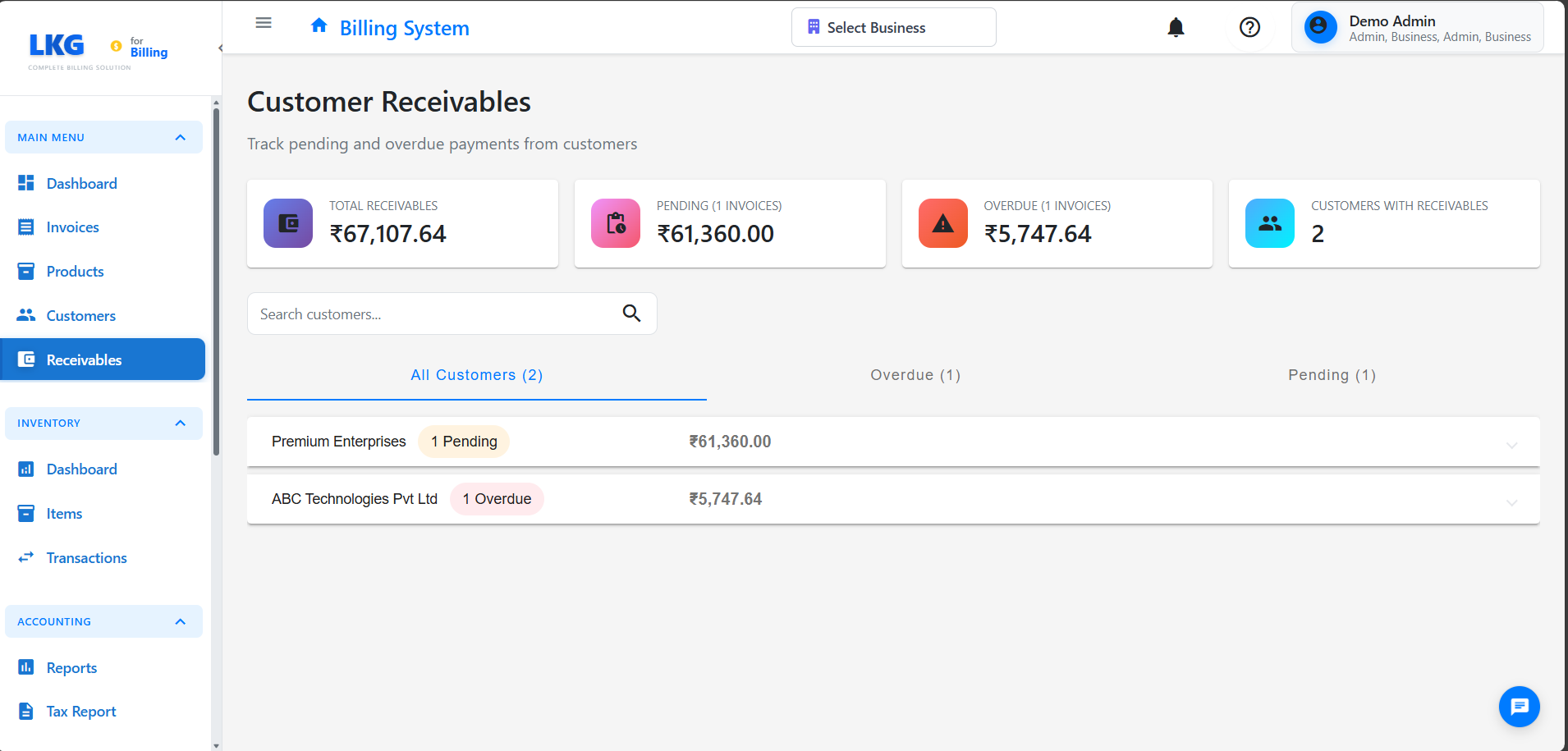
Overview
The Receivables module helps you:
- View all outstanding customer balances
- Track overdue invoices
- Monitor payment collection status
- Analyze receivables aging
- Follow up on pending payments
Accessing Receivables
Navigate to Receivables from the main menu
Key Features
Customer Balances
- Total outstanding amount per customer
- List of unpaid and partially paid invoices
- Payment history
- Credit limit tracking (if applicable)
Aging Analysis
- Current (0-30 days)
- 30-60 days overdue
- 60-90 days overdue
- 90+ days overdue
Invoice Status
- Unpaid: No payment received
- Partially Paid: Some payment received, balance remaining
- Overdue: Past due date with no payment
Using the Receivables Dashboard
Filter Options
- By customer name
- By due date range
- By amount range
- By status (unpaid/overdue)
Sort Options
- By amount (highest first)
- By due date (oldest first)
- By customer name
- By days overdue
View Customer Details
Click on customer name to see:
- All invoices for this customer
- Payment history
- Contact information